
Projects: a series in one style
Set up your own Skill once, and every video in the project shares one consistent style.
Video typesAnnotated screenshots
On this page
Step 1: Open Projects
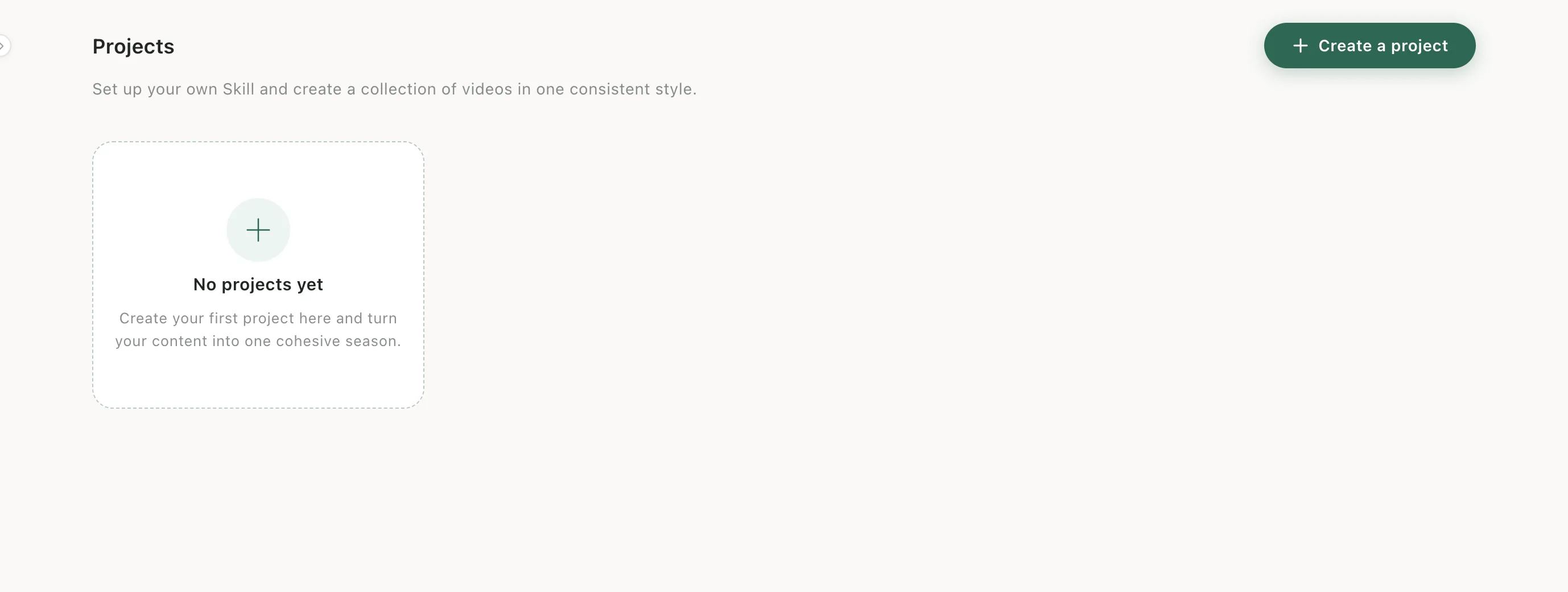
Click Projects in the left sidebar, then Create a project.
Step 2: Describe the project
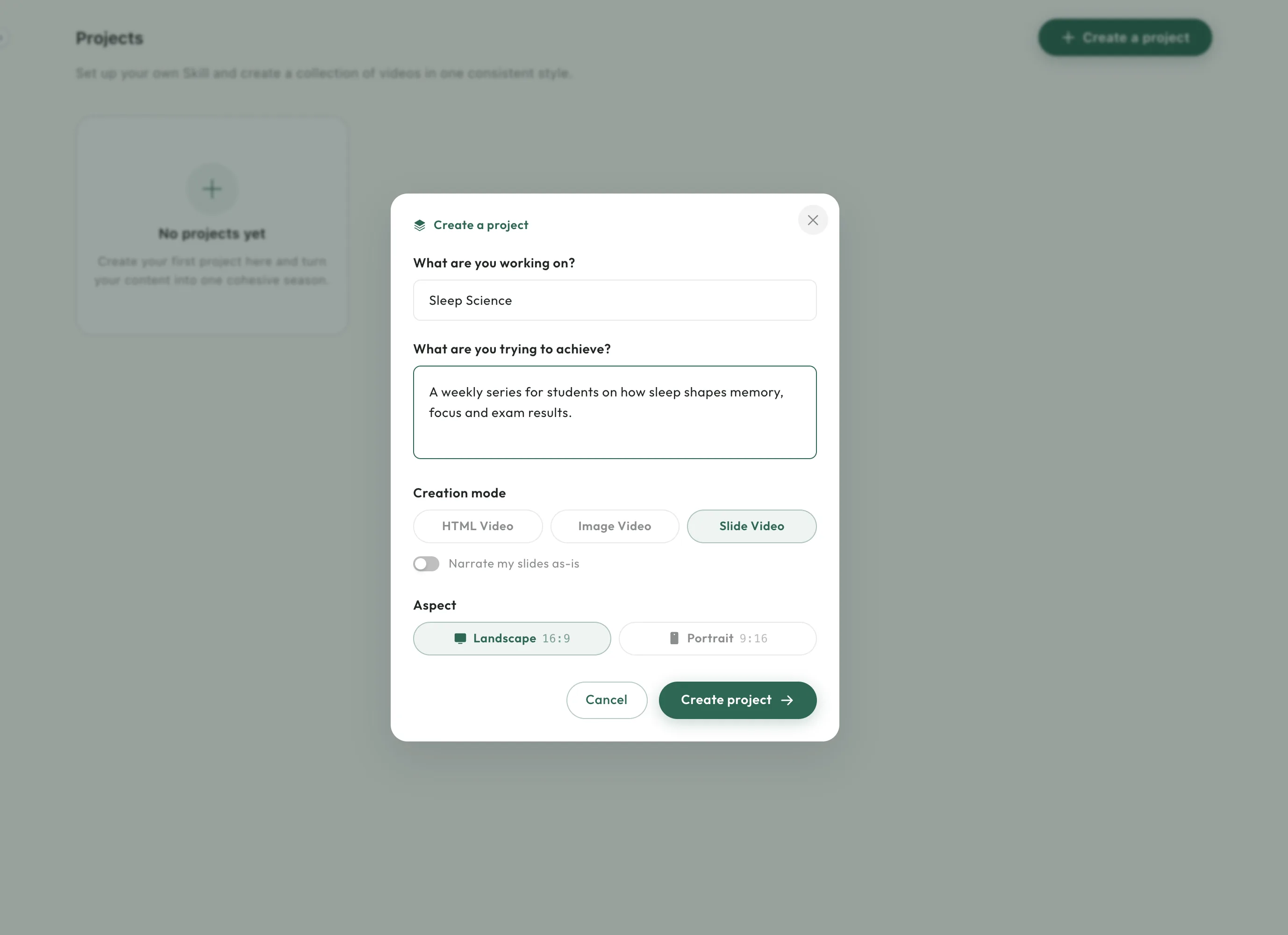
Name it (up to 15 characters) and describe what you're trying to achieve. Choose a creation mode — HTML Video, Image Video or Slide Video, with the option to narrate your slides as-is — and the aspect, then click Create project.
When to use it
Use a project for anything you'll make more than one video for: a course, a weekly show, a product line. For a one-off video, the quick start is all you need.