
Hand-drawn
Pictures are turned into vector line art and drawn on screen stroke by stroke — a sketch-style explainer or whiteboard animation.
Video typesAnnotated screenshots
On this page
Step 1: Choose Hand-drawn
On the create page, click Hand-drawn below the box.
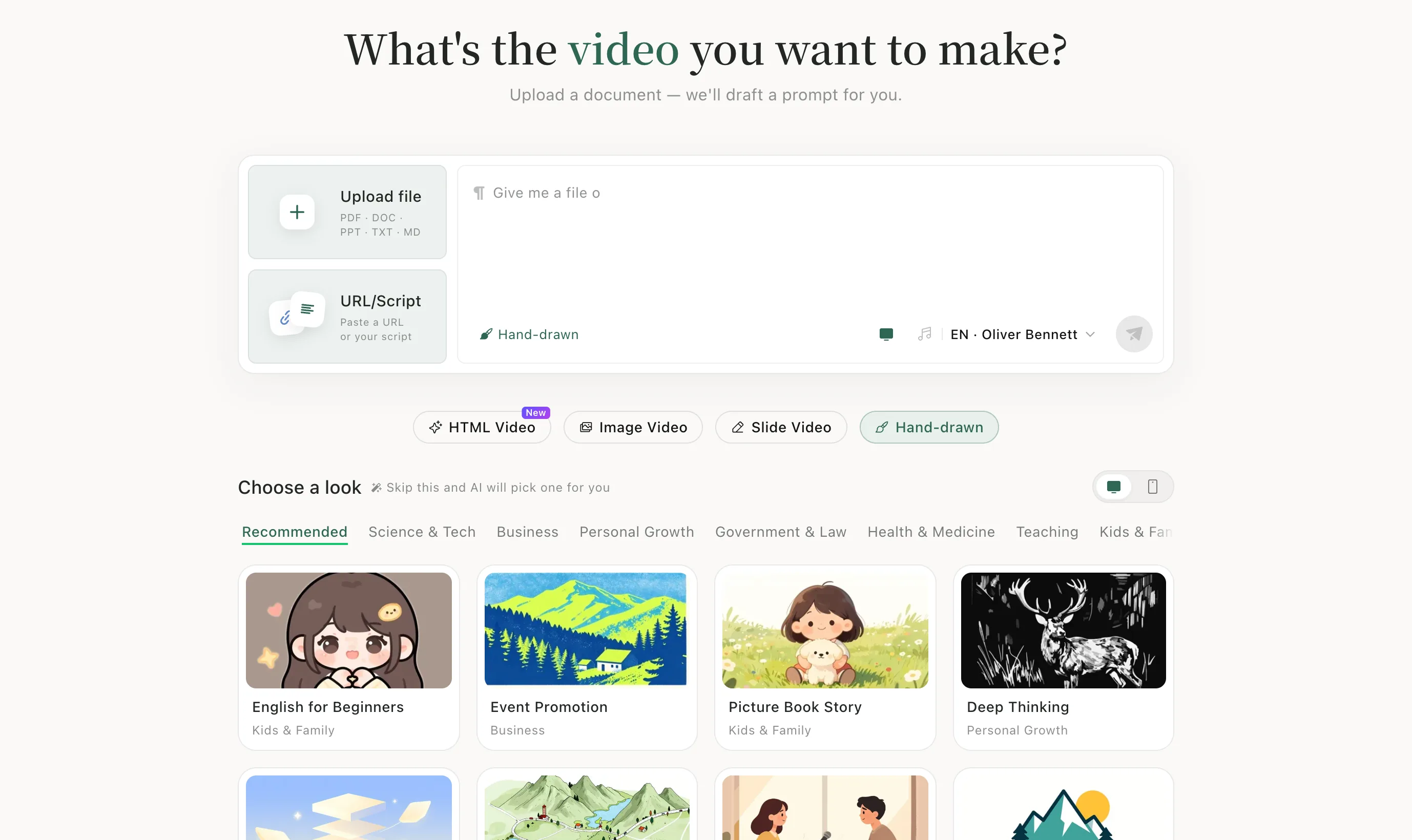
Step 2: Upload your material
Click Upload file and add your story, lesson or document. The AI writes the prompt.
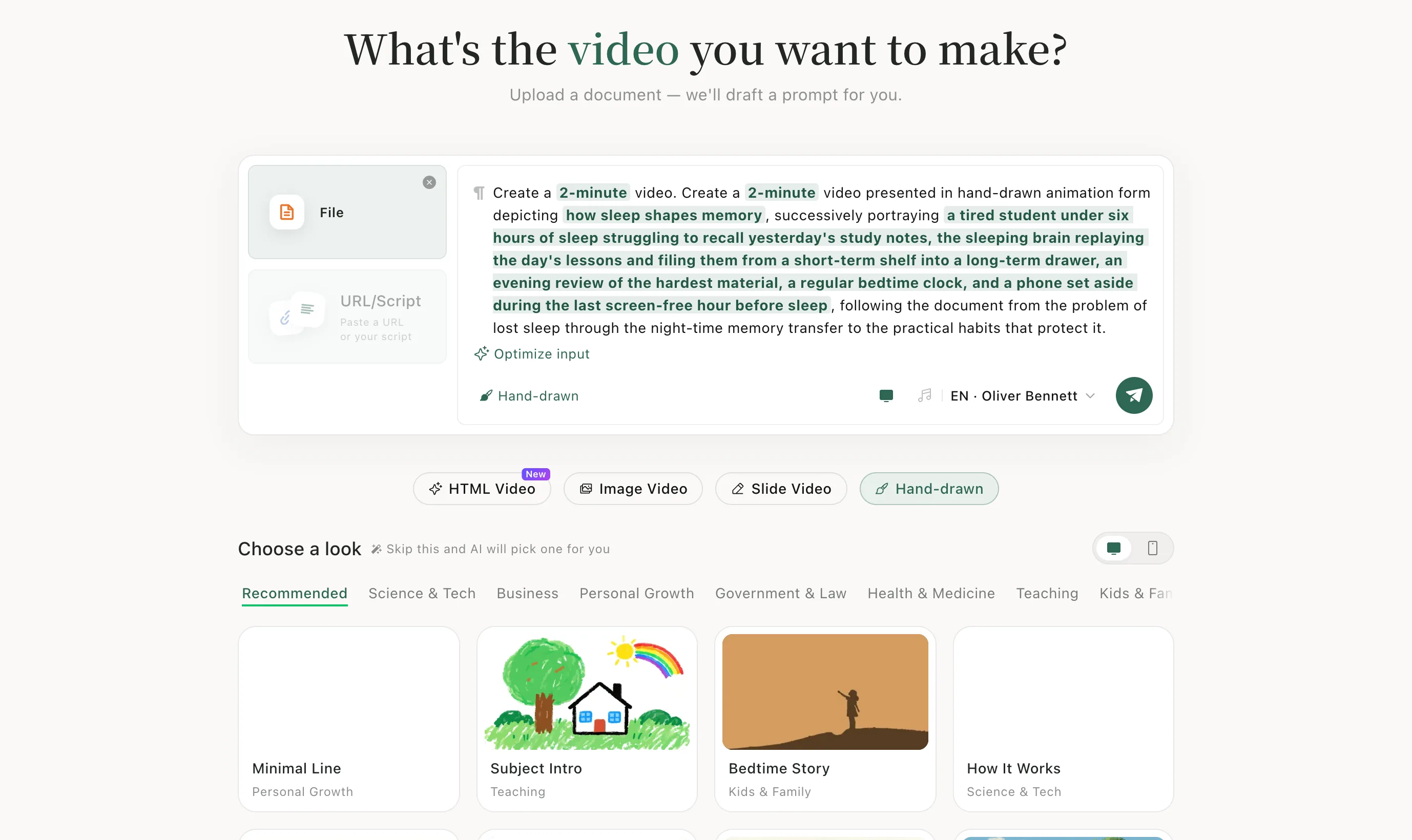
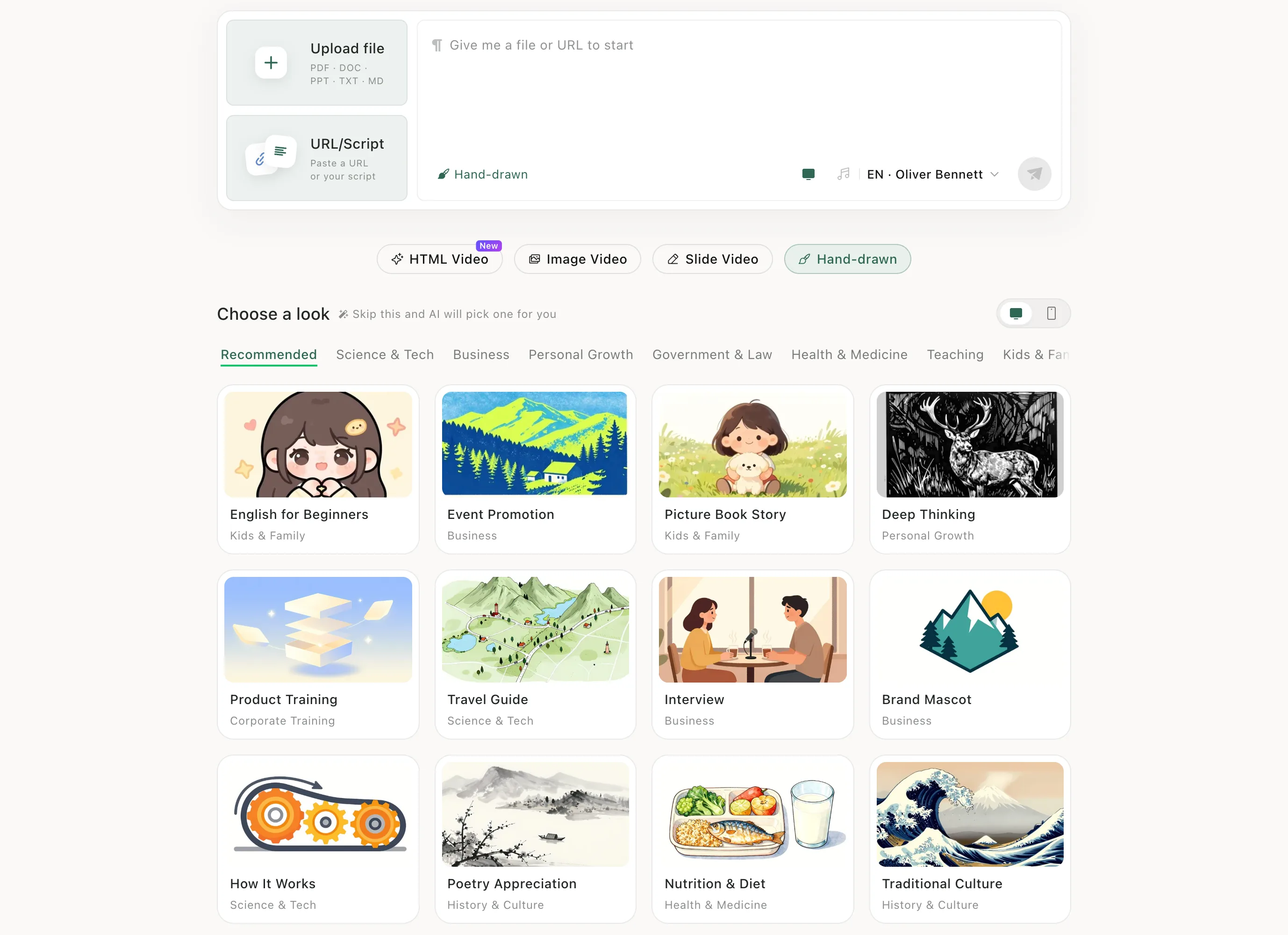
Step 3: Choose a look, then send
Pick a drawing style under Choose a look — browse by topic, such as Kids & Family or Personal Growth — then click the green send button.
After it's made
Preview it on the task page, make changes and download — see Edit and download.
When to use it
Best for sketch-style explainers, whiteboard animations and stories. For a full illustration on every page, use Image Video.
A few of the looks
Real previews from Choose a look on the create page. Hover to play.
Keep learningNarrate my slides as-is