
Your own character and style
Train your own character (IP) or visual theme in Assets, then use it in Image Video.
Going furtherAnnotated screenshots
On this page
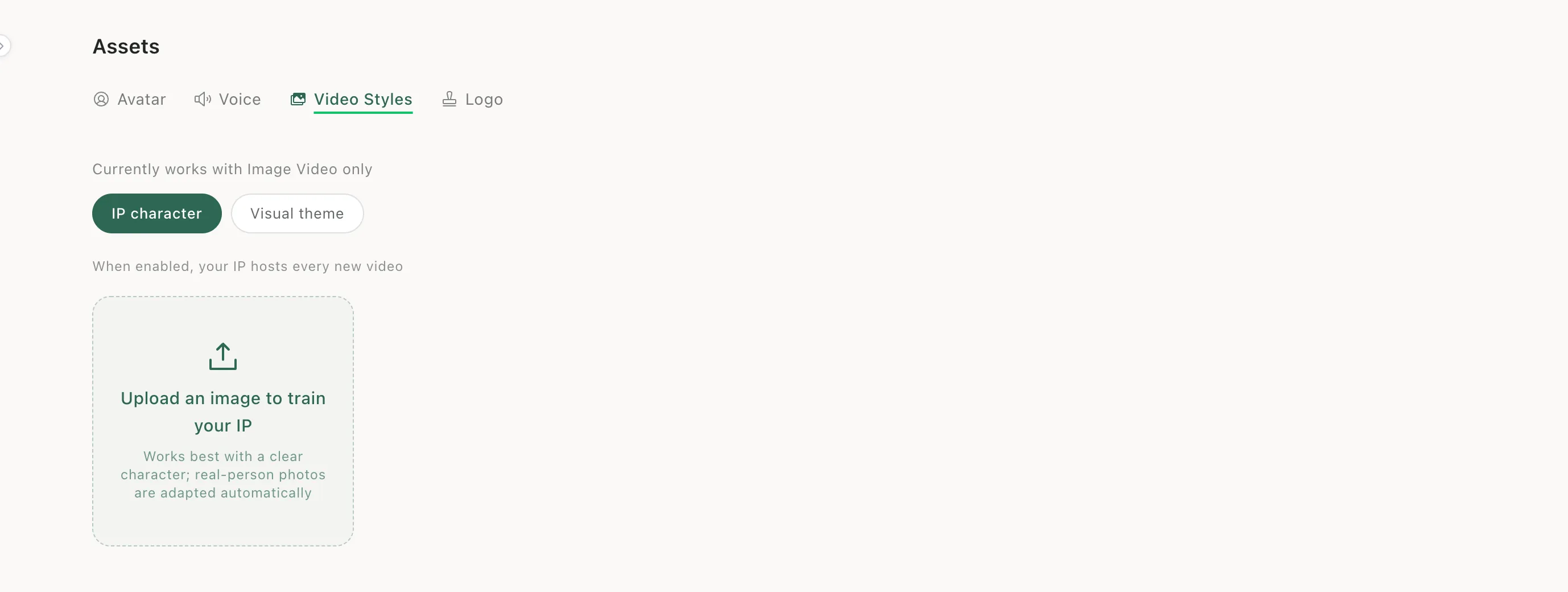
Step 1: Open Video Styles in Assets
Click Assets in the left sidebar and open Video Styles. It currently works with Image Video only.
Step 2: Train your character
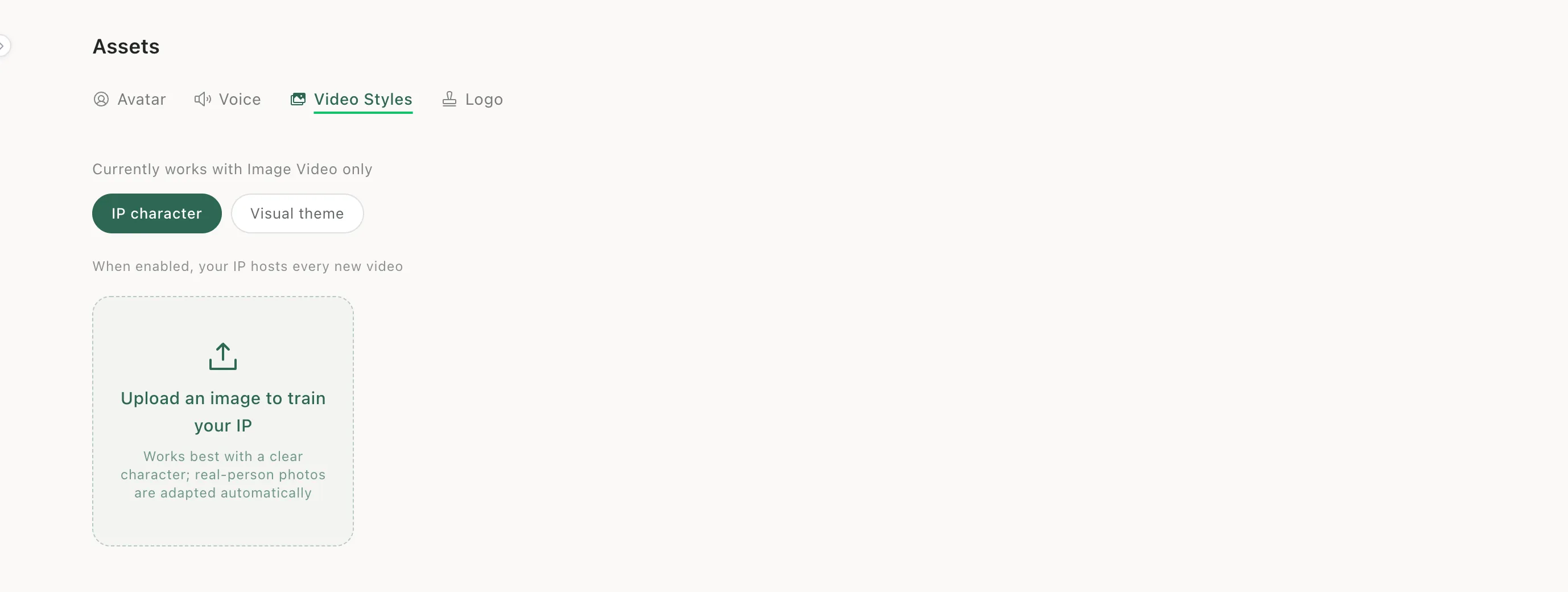
Under IP character, upload an image. A clear character works best; photos of real people are adapted automatically. When enabled, your IP hosts every new video.
Step 3: Train a visual theme
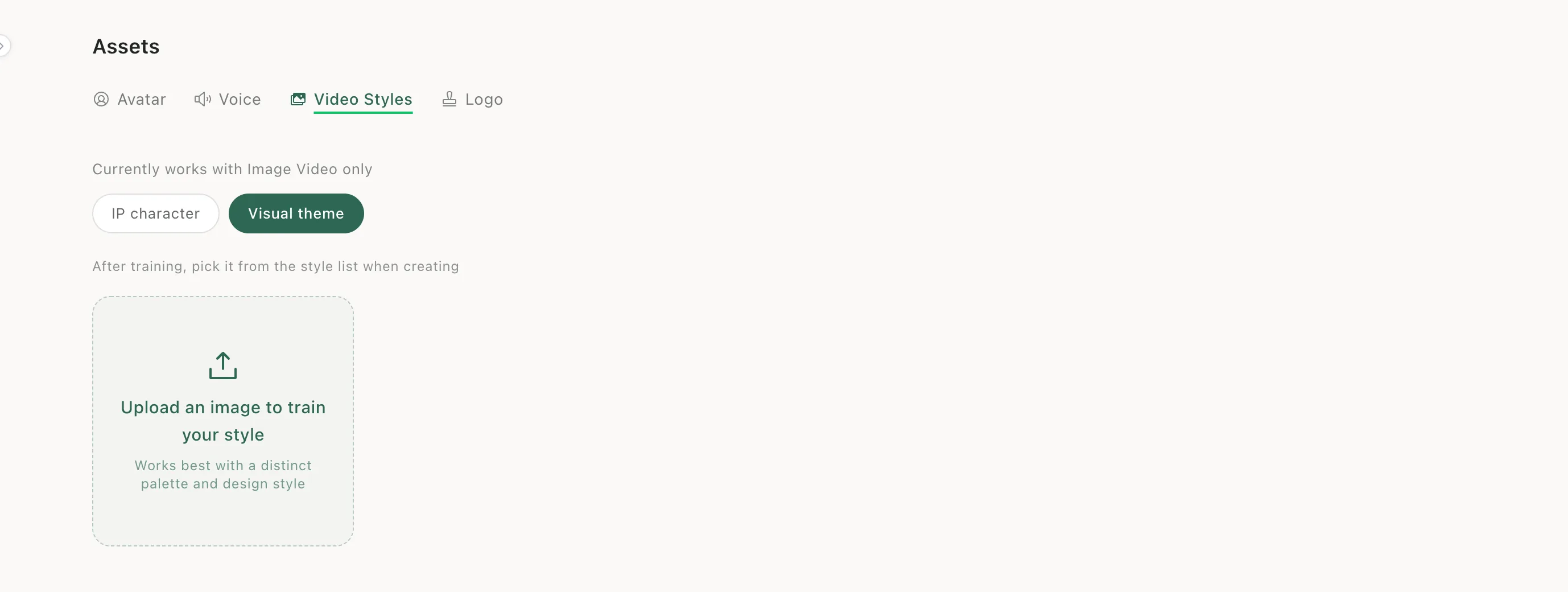
Under Visual theme, upload an image with a distinct palette and design style. After training, pick it from the style list when you create.
Step 4: Or start from the create page
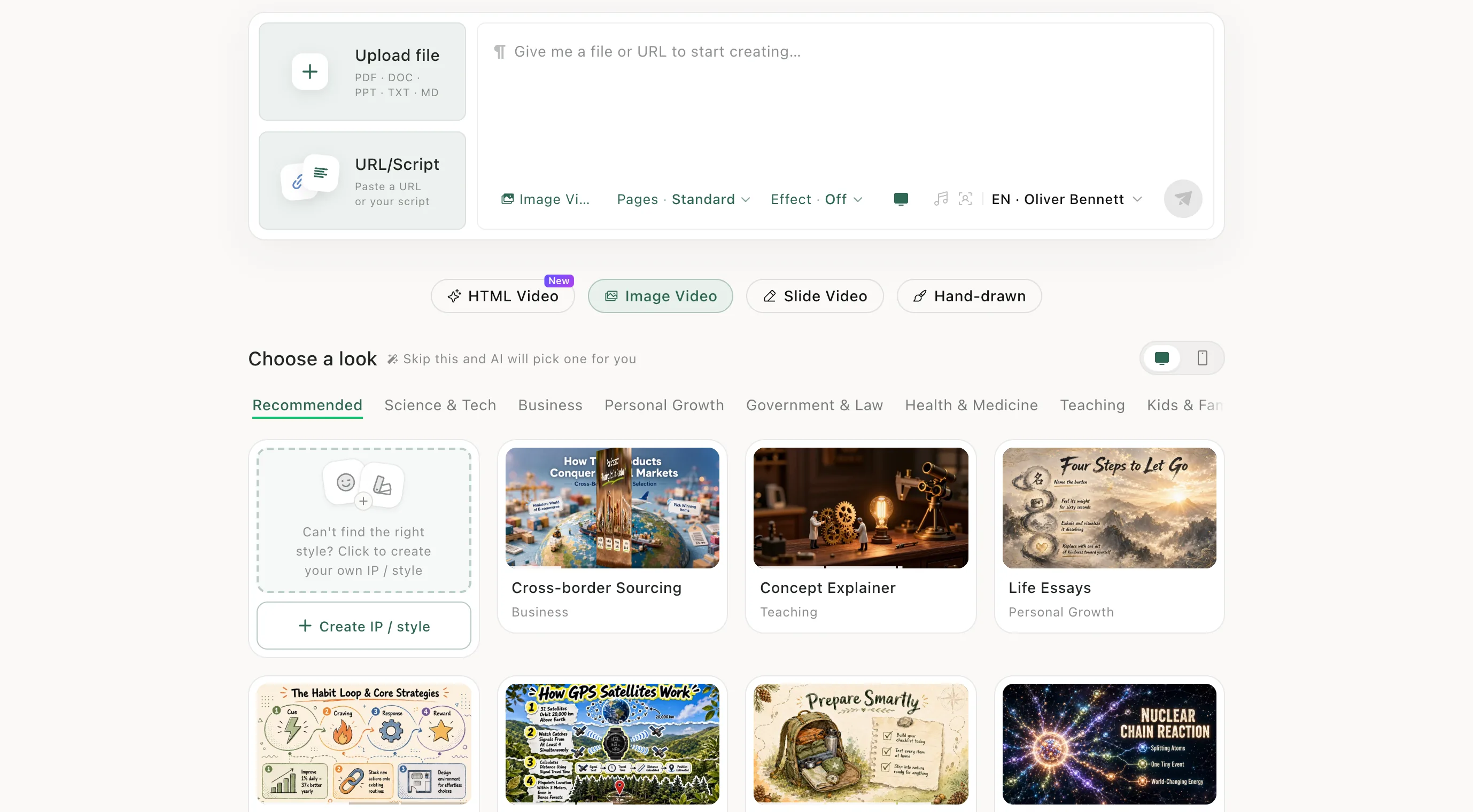
In Image Video, the first card under Choose a look is Create IP / style — a shortcut to the same place.
When to use it
Use it when your videos should look like your brand or channel — a mascot that appears every time, or a house style that viewers recognise.
Keep learningEdit and download